
Pre-order open · access from August 21
VR Vision Kiosk Player PTPress the button. Plays on its own. Resets on its own.
Turns a Meta Quest into a video kiosk anyone on your team can run — no training, no manual, no need to call whoever set up the event. Swap the headset, press the button: everything else happens on its own, visitor after visitor, all day long.
Works with Meta Quest · Interface in Portuguese and English
This video is on loop — just like the Kiosk Player at your event.
A cycle that waits on no one
Once it's set up, the Kiosk Player repeats these four moments on its own, visitor after visitor — without anyone on your team pressing anything between one session and the next.
-
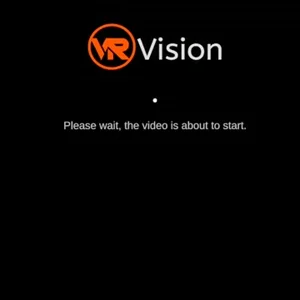
01Waiting
Sits on the waiting screen with your event's name, ready to call the next visitor. -
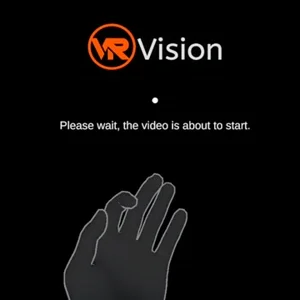
02Start
Starts with the controller button, Volume+, or a thumbs-up gesture. No password, no hidden menu. -
03Session
Plays a single active video — no playlist, no risk of playing the wrong content. -
04Reset
Returns to the waiting screen on its own as soon as the session ends. No one on the team touches a thing.
And it starts over on its own — ready for the next visitor, all day long.
No actors, no staged set: it's the app running for real
The photos below came straight from a screen recording made aboard a cruise ship, during a real event activation. The same flow you see here ships ready for your event.
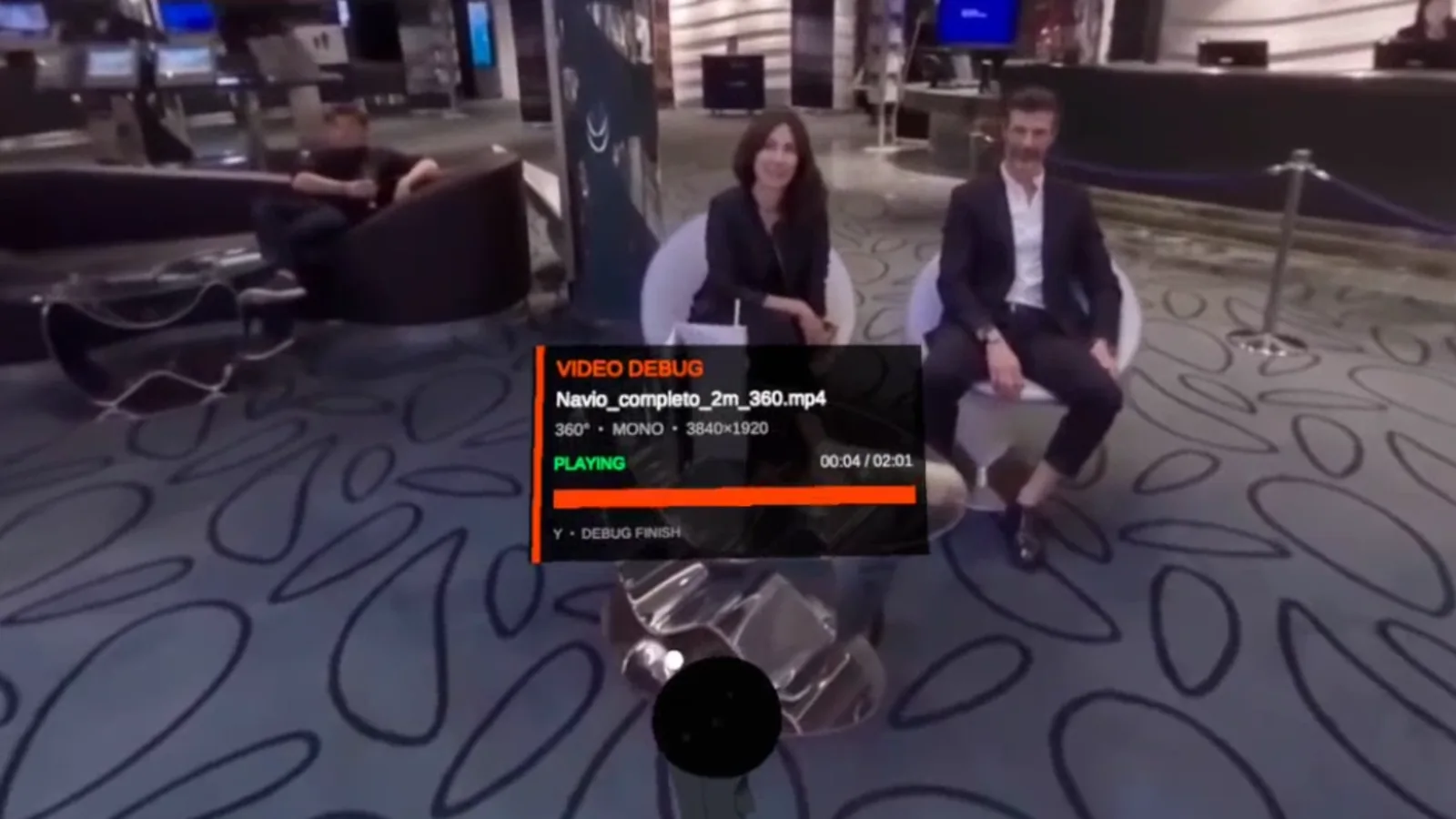 The diagnostic panel in the corner is authentic — the same one the operator sees in real time, unedited.
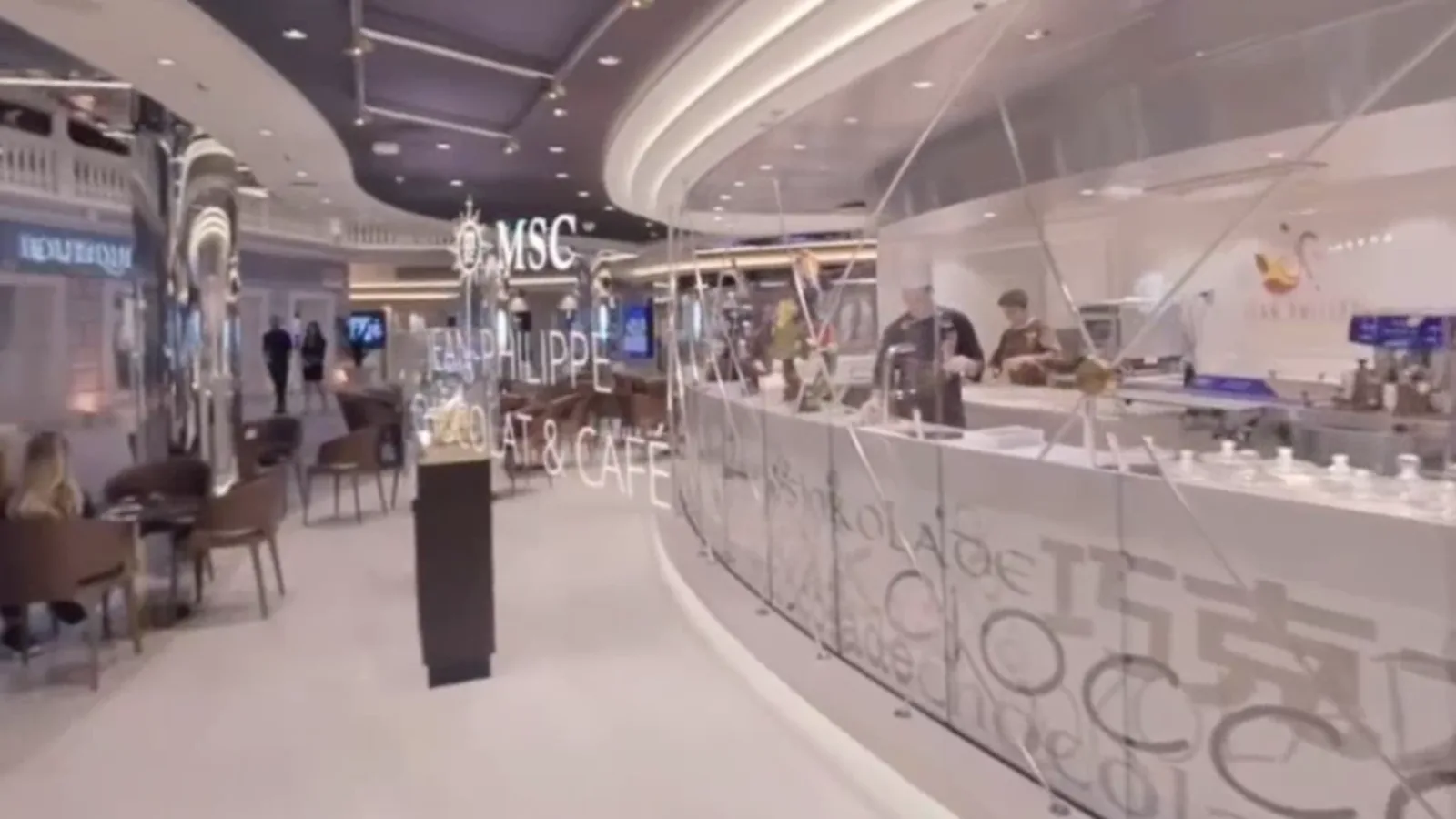 Same activation, a different part of the venue.
* The video content belongs to the event shown — each activation loads the client's own material.
Four fields. After that, it doesn't ask again
Set up once, right from the controller. Next time it powers on, the headset already remembers everything.
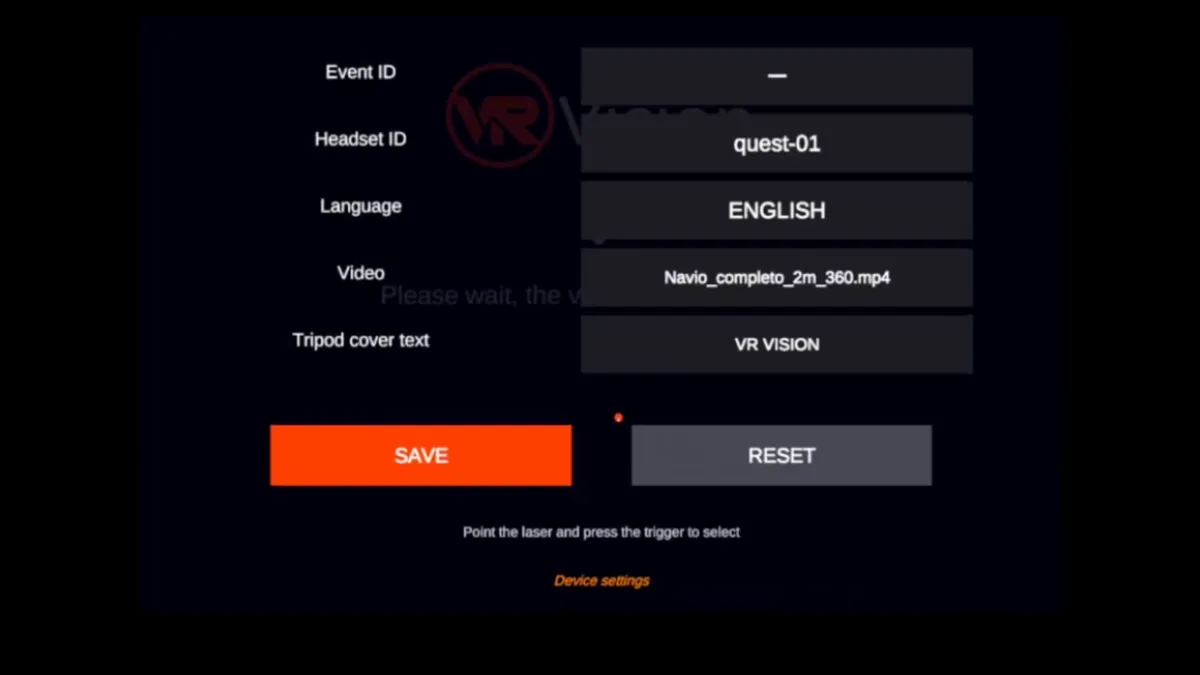
- Event ID
- Tells activations apart — matters when your team runs more than one event the same week.
- Headset ID
- Identifies which unit is which, so tech support can help remotely without guessing.
- Language
- Portuguese or English. The interface switches for the visitor without reconfiguring anything.
- Tripod cover text
- The text shown on the tripod cover on the event floor, customized with your activation's name.
The filename already says how the video should play
No configuration menu for each new video. The projection is recognized automatically, straight from the filename.
Copy the video to the app's video folder, inside the headset's storage.
/sdcard/Android/data/com.vrvision.kisokplayervr/files/Videos/
The marker has to be in the filename — there's no settings screen that can fix this after the fact. A real example:
beach-event_SBS_360.mp4
Markers combine in the same name: this example is side-by-side stereo and 360° at the same time.
Choose the video from the left controller menu. That's it.
What's already listed on the official store page
Straight from the app's page on the Meta Horizon Store.
- Category
- Apps — Media, Utilities, Events
- Player modes
- Seated, Standing
- Supported controls
- Touch controllers, Hand tracking
- Comfort rating
- Comfortable
- Connection
- Requires an internet connection
- Languages
- Portuguese (Brazil), English
Pre-order open · access from August 21
Bring the Kiosk Player to your next event
Pre-orders are open now, with access unlocked on August 21, 2026. Compatible with the Meta Quest fleet VR Vision already brings to your events.